
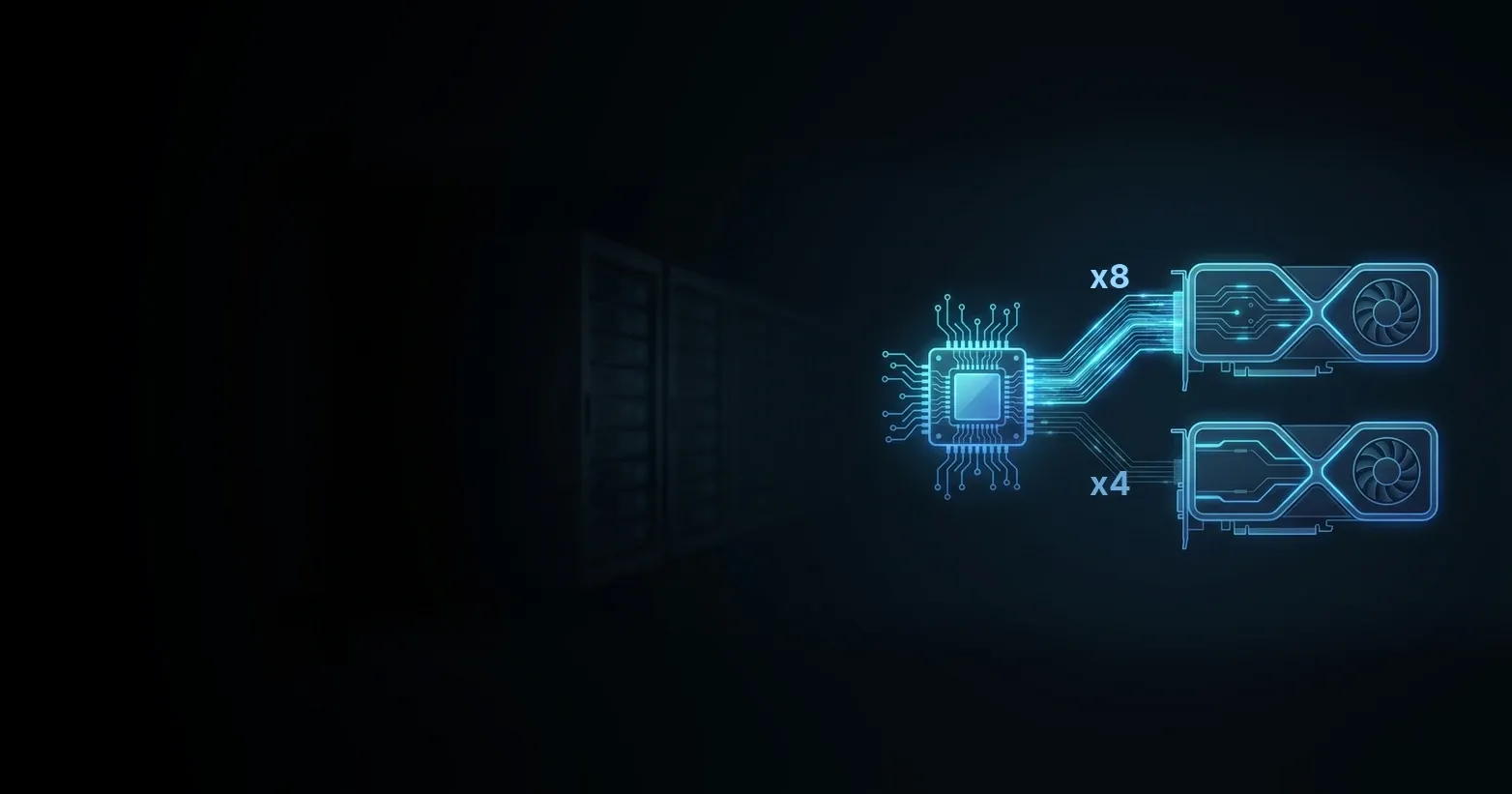
I run local models on two MSI RTX 5060 Ti 16 GB in my homelab box z790. On the old motherboard (NZXT N7 Z790) the second card sat in a slot wired to the chipset: PCIe Gen4 x4, behind the chipset’s uplink to the CPU. The new board (ASUS ROG Maximus Z690 Formula) gives both cards CPU lanes, Gen5 x8 each. Before swapping I measured everything I could, then repeated it on the new board with the same Docker images, the same model files and the same scripts.
The question: how much does a slow slot for the second GPU cost, in tokens per second? And on the way, a second one I cared about more: Ollama or llama.cpp for two cards?
- Summary: before vs after, every table
- Tokens per second: every model, scenario and engine (before the swap)
- Ollama vs llama.cpp: modes, speed, load times, recommendation
- Journal: every command, expected vs actual, including the failures
- Scripts and raw data:
benchmarks/2026-11-boardswap
In short
- With one card per model or the usual layer split across two cards, the chipset x4 slot cost nothing measurable. Those results stayed within about ±1 % after the swap in all three engines tested, with a single outlier.
- The slot matters only for tensor split (llama.cpp’s
-sm tensor), where the cards sync every layer. Moving the second card to CPU lanes gave +7 to +21 % generation and +16 to +39 % prompt processing there. - Ollama is llama.cpp. Ollama 0.32.14 starts a bundled
llama-server, so in the same mode both engines generate within a few percent. But Ollama can only stack layers across cards: more memory, no extra speed. llama.cpp’s tensor split was 58-82 % faster than Ollama on dense models on the new board. - With tensor split plus speculative decoding through the model’s own multi-token-prediction (MTP) head, a 27B dense model went from 24 to 78 tokens/s on the same two cards.
The setup
| Before | After | |
|---|---|---|
| Board | NZXT N7 Z790 | ASUS ROG Maximus Z690 Formula |
| GPU0 | CPU lanes, Gen5 x8 | CPU lanes, Gen5 x8 |
| GPU1 | chipset, Gen4 x4 (behind the chipset uplink) | CPU lanes, Gen5 x8 |
| CPU / RAM | i7-14700, 64 GB DDR5-6000 | same, same speed |
| GPUs | 2x RTX 5060 Ti 16 GB, same VBIOS, 180 W | same cards |
| Driver | NVIDIA 580.178.04 (open modules) | same |
| Engines | llama.cpp build 12464, Ollama 0.32.14 | same Docker images (checked by ID) |
How I measured
-
Both engines run in pinned Docker images and load the same GGUF files, mounted read-only from Ollama’s model store.
-
Bus: NVIDIA’s
nvbandwidth, host to GPU and back, one card at a time and both at once, plus latency. -
Models: eight models from 8B to 32B, plus TranslateGemma 4B in Ollama only. The 27B, 30B and 32B need both cards.
Model Params Weights Size KV cache (K/V) Llama 3 8B 8.0B Q4_0 4.3 GiB f16/f16 Llama 3.1 8B 8.0B Q4_K_M 4.6 GiB f16/f16 Qwen3 8B 8.2B Q4_K_M 4.9 GiB f16/f16 Qwen2.5 14B Instruct 14.8B Q4_K_M 8.4 GiB f16/f16 Qwen3 14B 14.8B Q4_K_M 8.6 GiB f16/f16 Qwen3.8 27B (dense) 27.3B Q4_K_M 15.7 GiB f16/f16 Qwen3 30B-A3B (MoE) 30.5B Q4_K_M 17.3 GiB f16/f16 Qwen3 32B 32.8B Q4_K_M 18.8 GiB f16/f16 TranslateGemma 4B 4.3B Q4_K_M 3.1 GiB f16/f16 The weights are 4-bit quantized; the KV cache is not. llama-bench records the cache type in every result, Ollama logs it at every load, and llama-server runs with its f16 default. It was the same in every run, before and after. In the tables below, Llama 3 8B is marked with its Q4_0 weights; every other model is Q4_K_M.
-
Runs: GPU0 alone, GPU1 alone, layer split and tensor split (llama.cpp only), measured with
llama-bench(512-token prompt, 128 generated tokens) and withllama-serverand Ollama (same client, prompt and options, so those two compare 1:1). Flash attention, 4K context, one request at a time, mean of five runs.
The bus: GPU1 catches up
| nvbandwidth, copy engine | GPU0 before | GPU0 after | GPU1 before | GPU1 after |
|---|---|---|---|---|
| host -> GPU (GB/s) | 20.3 | 20.4 | 7.2 | 19.4 |
| GPU -> host (GB/s) | 17.3 | 16.8 | 7.3 | 16.6 |
| host <-> GPU latency (ns) | 612 | 612 | 1191 | 612 |
| both GPUs at once, host -> GPUs (GB/s) | 19.0 | 16.8 | 5.8 | 8.6 |
Two surprises. First, even GPU0 on Gen5 x8 reaches only about 20 of the ~31.5 GB/s the link could carry; the link itself runs at Gen5 x8 the whole time, so the limit is elsewhere. Second, I expected the “both at once” drop to be the chipset’s fault. It is not: on both boards the two cards together top out at about 25 GB/s, and the new board still splits it unevenly. There is a shared limit on the host side that the swap did not touch.
One card or layer split: the slot does not matter
| llama-bench, generation (t/s) | Before | After |
|---|---|---|
| Llama 3.1 8B, GPU0 | 84.6 | 84.6 |
| Llama 3.1 8B, GPU1 | 84.1 | 84.7 |
| Llama 3.1 8B, layer split | 84.0 | 84.5 |
| Qwen3 32B, layer split | 20.3 | 20.3 |
Already on the old board, GPU0 and GPU1 were within 0.6 % of each other. Once the weights are in VRAM, generating a token reads them from VRAM, not over PCIe. Layer split only sends a few kilobytes of activations to the other card per token. That is why the second card on a chipset x4 slot costs nothing here, and also why layer split gives no speed: within 1 % of one card. Two cards in layer mode buy memory for bigger models, not speed.
Tensor split: where the bus matters
With tensor split, each card holds half of every weight matrix and reads only half the model per token. Generation is limited by VRAM bandwidth, so two cards can approach 2x, minus the cost of syncing after every layer. GeForce cards have no peer-to-peer on this platform, so that sync goes over PCIe and through host memory, and this is where the slot shows up.
| llama-bench, tensor split | tg before | tg after | change | pp before | pp after | change |
|---|---|---|---|---|---|---|
| Llama 3 8B (Q4_0) | 125.0 | 143.3 | +14.7 % | 3858 | 5340 | +38.4 % |
| Llama 3.1 8B | 118.8 | 135.0 | +13.6 % | 3718 | 5083 | +36.7 % |
| Qwen3 8B | 110.6 | 126.3 | +14.2 % | 3457 | 4810 | +39.2 % |
| Qwen2.5 14B | 66.7 | 73.2 | +9.8 % | 1990 | 2732 | +37.2 % |
| Qwen3 14B | 69.3 | 75.2 | +8.5 % | 2163 | 2871 | +32.7 % |
| Qwen3.8 27B | 37.9 | 40.9 | +8.0 % | 1194 | 1527 | +27.9 % |
| Qwen3 32B | 33.6 | 35.9 | +6.7 % | 1111 | 1389 | +25.1 % |
| Qwen3 30B-A3B (MoE) | 136.8 | 165.5 | +20.9 % | 3920 | 4774 | +21.8 % |
(tg = generation, pp = prompt processing, tokens/s.) llama-server shows the same pattern with its longer text prompt: +6.7 to +20.4 % generation, +15.9 to +34.6 % prompt processing.
How close tensor split gets to the ideal 2x (llama-bench generation; the baseline is one card, or layer split for the 27B and 32B, which need both cards):
| Model | Before (x8/x4) | After (x8/x8) |
|---|---|---|
| Llama 3 8B (Q4_0) | 69.1 % | 79.2 % |
| Llama 3.1 8B | 70.3 % | 79.8 % |
| Qwen3 8B | 69.2 % | 79.0 % |
| Qwen2.5 14B | 74.0 % | 81.3 % |
| Qwen3 14B | 77.6 % | 84.1 % |
| Qwen3.8 27B | 78.2 % | 84.2 % |
| Qwen3 32B | 82.8 % | 88.2 % |
The smaller the model, the bigger the share of time spent syncing, and the more the faster slot helps. Prompt processing gains most, because each sync then carries hundreds of tokens’ worth of activations. On the old board tensor split made prompt processing 8-12 % slower than one card for the 8B models; now it is 23-26 % faster.
The MoE model is the twist. Qwen3 30B-A3B uses only about 3B parameters per token, so each card has little to compute and the syncs dominate. On the old board tensor split was 10 % slower than layer split for it. On the new board it is 7 % faster.
Speculative decoding: the free 2x I almost missed
Qwen3.8 27B ships a multi-token-prediction head. With it, the model drafts up to four tokens ahead and checks them in one step. I only noticed because Ollama turned it on by itself and its 27B numbers were suspiciously high and noisy.
| Qwen3.8 27B, generation (t/s, after the swap) | |
|---|---|
| llama-server, layer split | 24.2 |
| llama-server, tensor split | 40.4 |
| Ollama (layer split, MTP on by default) | 42.8 |
| llama-server, layer split + MTP | 52.1 |
| llama-server, tensor split + MTP | 77.8 |
About half of the drafted tokens were accepted. A caveat: my benchmark prompt is a repetitive text, which is easy to predict. Real conversations will probably accept fewer drafts, so treat the MTP numbers as an upper bound. The order of the modes should hold.
Ollama vs llama.cpp
Every Ollama server log showed the same line: loading model via llama-server. Ollama 0.32.14 runs a bundled llama.cpp llama-server with fixed options. Measured with the same client and options, Ollama generated within -1.3 to +0.5 % of llama.cpp’s own server on dense models without MTP, and processed prompts 2-7 % slower.
The difference is what you can do with two cards. Generation in tokens/s after the swap, Ollama in its best mode against llama.cpp’s llama-server with tensor split:
| Model | Ollama | llama.cpp | Gain |
|---|---|---|---|
| Llama 3 8B (Q4_0) | 87.6 | 139.3 | +59.0 % |
| Llama 3.1 8B | 82.2 | 130.3 | +58.5 % |
| Qwen3 8B | 77.5 | 123.6 | +59.5 % |
| Qwen2.5 14B | 44.2 | 72.4 | +63.8 % |
| Qwen3 14B | 44.1 | 74.3 | +68.5 % |
| Qwen3 32B | 20.1 | 35.8 | +77.7 % |
| Qwen3.8 27B (both with MTP) | 42.8 | 77.8 | +81.7 % |
| Qwen3 30B-A3B (MoE) | 156.4 | 158.2 | +1.2 % |
llama-server also had models ready in 2-10 seconds; Ollama needed 15-33.
What Ollama gives you in return is real: it pulls and stores models, loads and unloads them per request, turns MTP on when a model has it, and it works on these cards out of the box. llama.cpp needs options per model and, as it turned out, a custom image.
What went wrong on the way
- Row split is broken in llama.cpp build 12464:
device CUDA0 does not support split buffers. The build has a newertensormode instead. - Tensor split crashed in NCCL’s first allreduce:
Cuda failure 1 'invalid argument'. The official image ships NCCL 2.25.1, which asks for 82,240 bytes of shared memory per block; consumer Blackwell (sm_120) allows 79,856. A derived image with NCCL 2.32.6, nothing else changed, fixed it. It also needs more/dev/shmthan Docker’s default 64 MB. - An Ollama-converted model does not load in llama.cpp: TranslateGemma’s GGUF lacks
gemma3.attention.layer_norm_rms_epsilon. Ollama’s own llama-server loads it fine. - The first
ollama pullfailed with “file does not exist” (a registry 404) although the tag existed; the retry worked. - I never recorded RAM speed and power limits until the night before the swap. The new BIOS came up with different power limits, and without the CPU power log I could not have shown that they did not matter.
What I did not measure
Everything here is one request at a time with a 4K context. Long contexts (my own app uses 32K), several parallel requests, MTP on real chat prompts and VRAM use per engine are still open. So is the ~25 GB/s ceiling for concurrent copies.
Conclusion
If you run one model per card, or split big models by layers, put the second GPU in whatever slot you have: a chipset x4 link cost nothing measurable here. If you want the second card to make models faster, not just bigger, you need tensor split, which today means llama.cpp, and that is where CPU lanes for both cards pay off: 7-21 % more generation speed and 16-39 % faster prompt processing on top of an already large gain. On my two RTX 5060 Ti, llama.cpp with tensor split (and MTP where the model has it) is 1.6-1.8x faster than Ollama on dense models. Whether that is worth giving up Ollama’s convenience is the next experiment.