
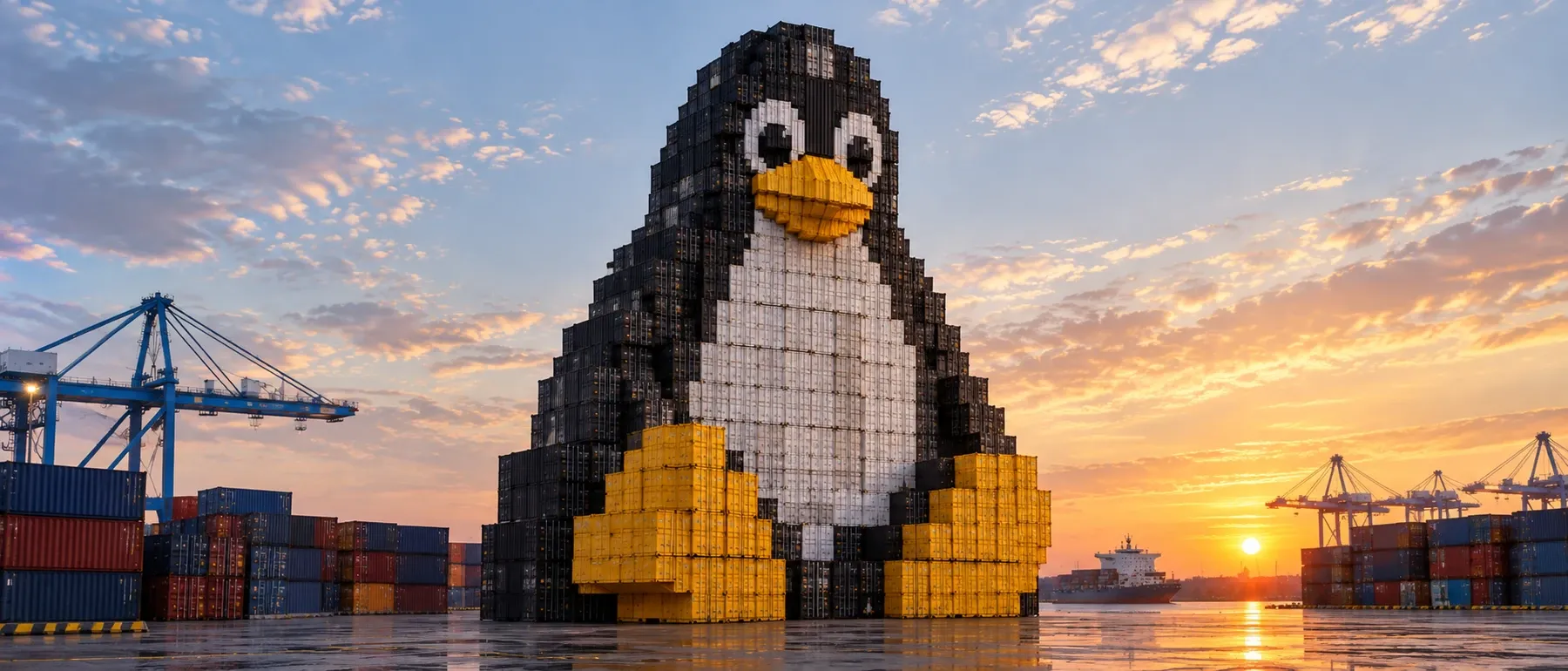
Early in this lab I had a shell that was PID 1, and from that same shell ps listed systemd as PID 1. Both were right. The kernel had put the shell in a new PID namespace; ps was still reading a /proc mounted for the host. Isolation and what the tools report are two different things, and that gap is where most container debugging happens.
This is the first post in a series about building AI infrastructure on a two-node home lab. I ran Linux servers for years before moving to front-end development, and I am now working my way back to infrastructure, this time for AI workloads: GPU nodes, inference serving, observability and sandboxes for AI agents. Everything happens in the public ai-homelab repository, one lab at a time. Each lab has a step-by-step guide with every command and a results file with the raw numbers, mistakes included; each post tells the story of one lab.
This one is Lab 0a. Every inference server, sandbox and Kubernetes pod I will run later is built from the same few kernel primitives: namespaces, cgroups, a root filesystem and a virtual network cable. So before running any of them, I built a container by hand, one primitive at a time, and wrote down every number and every wrong prediction. The result is minicontainer.sh, 81 lines of Bash.
- Guide: every command, step by step
- Results: measurements, surprises and mistakes
- Script:
minicontainer.sh
What “done” meant
Six checks, decided before writing any code:
psinside shows only the container’s processes, and the shell is PID 1.hostnameinside differs from the host, andls /shows Alpine, not the host.- A process exceeding
memory.maxis killed, andmemory.eventsshowsoom_kill 1. pingfrom the container to the host end of a veth pair works.lsnsshows distinct namespace inodes for the container.- The script cleans up after itself: no leftover cgroup, network namespace or veth.
Setup
The Z790 node of my two-node home lab: i7-14700, 64 GB DDR5, two RTX 5060 Ti cards (unused here), Ubuntu 24.04 with the HWE kernel 7.0.0-34-generic.
The container’s userland is Alpine minirootfs 3.24.2: a 3.7 MB tarball, 8.7 MB extracted. I read the current version from Alpine’s release metadata, then downloaded it by exact path (v3.24/…, not latest-stable/…) so every run uses the same rootfs, and verified it with sha256sum -c. A checksum from the same server proves integrity, not authenticity; Alpine also publishes a GPG signature, which I left for a later lab.
Namespaces, one at a time
UTS: the name of the machine
The UTS namespace isolates only the hostname, which makes it the safest way to see the whole mechanism. Changing the hostname inside a new UTS namespace leaves the host’s name untouched, and readlink /proc/self/ns/uts shows why:
inside:  uts:[4026533010]
outside: uts:[4026531838]
The number is an inode, and two processes share a namespace exactly when the numbers match. The host’s value is no accident: 4026531838 is 0xEFFFFFFE, a constant. The kernel’s initial namespaces have the fixed inode numbers 4026531832–4026531839; new namespaces get dynamic numbers, which are recycled after a namespace dies. Seeing one of those constants means “this is the host’s namespace”.
PID: why --fork is not optional
unshare() moves the calling process into most new namespaces immediately, but not into a new PID namespace. A process’s PID is fixed at birth, so the only way in is to be born there: the PID namespace applies only to the caller’s future children.
Without --fork, the first child becomes PID 1 of the new namespace. When it exits, the namespace has no init, and the kernel refuses to create any more processes in it:
sh PID: 6000
after 1st child
sh: 1: Cannot fork
I also ran sudo unshare --pid interactively by accident. It printed fork: Cannot allocate memory before the prompt even appeared: .bashrc forks at startup, that child became PID 1 and exited, and every command after that failed to fork. Only the builtin exit worked. The error says “memory”, but the real problem is a dead namespace.
ps lies until /proc is remounted
With --fork, the shell really is PID 1 — and ps still printed 1 systemd, 2 kthreadd and the rest of the host. ps does not ask the kernel which processes it can see; it reads /proc, and a proc mount always shows the PID namespace it was mounted for. Adding --mount-proc (a new mount namespace plus a fresh /proc) left exactly two lines: 1 sh and 2 ps. First check passed.
Mount propagation: a tmpfs that leaked
systemd makes every host mount shared, so a mount in one member of a peer group propagates to the others. A new mount namespace started with --propagation shared stays in the host’s peer group: I mounted a tmpfs inside, the namespace ended, and findmnt on the host still showed it. With --propagation private, the same mount never left the namespace. This is why unshare defaults to private, and it is also a precondition for the next step.
chroot versus pivot_root
chroot into the Alpine rootfs worked: NAME="Alpine Linux", but uname -r still printed the host’s 7.0.0-34-generic. A container has its own filesystem and shares the kernel.
I expected /proc/mounts inside the chroot to list dozens of host mounts. It listed one. Same mount namespace, two views:
| Root change | Mounts before | Mounts after | The host filesystem is… |
|---|---|---|---|
chroot (outside / inside, same namespace) |
26 | 1 | hidden, still attached |
pivot_root (before / after umount -l of the old root) |
28 | 2 | detached |
/proc/self/mounts only lists mounts reachable from the process’s root, so chroot hides the host’s mounts without detaching them. pivot_root swaps the root mount and parks the old root at /.oldroot; one lazy umount -l then detaches it with all its submounts. After that, /.oldroot was empty and the process had no path back to the host.
Side quest: a 3.9 MB root filesystem
Any directory can become /. I copied /bin/bash into an empty tiny/ directory and tried to chroot into it:
chroot: failed to run command '/bin/bash': No such file or directoryThe file existed. What was missing was the dynamic loader that the kernel starts first; the error names bash, the problem is the loader. After copying the loader and the two libraries ldd listed, bash ran, ls did not exist, and the whole rootfs was 3.9 MB. An image is literally the program plus everything it depends on, which is why statically linked binaries and distroless images exist.
cgroups v2 by hand
How systemd runs a real service
Before writing my own cgroup, I looked at a real one: Ollama, running as a systemd service. It lives in system.slice/ollama.service; idle with no model loaded, memory.current was about 552 MiB (page cache included) and pids.current was 18. There is no separate “cgroup config”: the unit file is the configuration, and systemd writes it into the cgroup’s files.
One limit nobody wrote: pids.max was 70833. systemd applies a default TasksMax to every service, so a single fork bomb cannot exhaust the machine.
The swap trap and an OOM kill
Creating a cgroup is a mkdir in /sys/fs/cgroup; the kernel fills the directory with 86 control files. I set memory.max to 100M, pids.max to 20 and cpu.max to 50000 100000 (half a core), and memory.swap.max to 0. That last one matters: this machine has an 8 GB swap file, and without it a process at memory.max gets swapped instead of killed.
Then a Python process inside the cgroup allocated 200 MB:
Killed
exit code: 137
Memory cgroup out of memory: Killed process 5462 (python3) total-vm:223152kB, anon-rss:101884kB, file-rss:6404kB
memory.events |
Value |
|---|---|
max |
18 |
oom |
1 |
oom_kill |
1 |
oom_group_kill |
0 |
Exit code 137 is 128 + 9, a SIGKILL with no chance to clean up. max 18 is how many times the cgroup hit its ceiling and the kernel tried to reclaim memory before giving up. total-vm is what the process asked for, anon-rss is what was resident when it died, right at the 100 MB limit. That dmesg line is what to look for when a container “just disappears”.
pids.max versus 30 sleeps
I predicted that starting 30 background sleep processes under pids.max = 20 would produce 11 failed forks. I got one: pids.current was 19, a single sh: 0: Cannot fork, and pids.events showed max 1. A non-interactive dash gives up on the first failed fork. A real fork bomb would keep retrying, and the cgroup would keep stopping it at the ceiling.
dmem and NVIDIA: no VRAM limit
The kernel’s list of cgroup controllers ends with dmem, the controller for device memory: dmem.min, dmem.low and dmem.max work like their memory counterparts, per memory region of a device. On this machine dmem.capacity exists and is empty.
Drivers have to opt in by registering their memory regions. On this kernel, Intel’s xe and AMD’s amdgpu do; none of the NVIDIA 580 open kernel modules reference dmem at all. So on this lab, GPU memory cannot be limited through cgroups.
Network: a cable between namespaces
A named network namespace (ip netns add) plus a veth pair, one end moved inside, is a virtual Ethernet cable between two network stacks. Inside, the new namespace had only lo (down) and its end of the cable, shown as @if8: the index of the peer in the other namespace. No LAN interface, no Docker bridges, not even a working loopback.
With addresses on both ends, the ping went through: 0.148, 0.077 and 0.079 ms. The first packet is slower because it includes ARP resolution; all of them stay well under a millisecond because they never leave the kernel. There is no default route, so the internet is unreachable — NAT is a topic for a later lab. Deleting the namespace destroyed its end of the cable, and since a veth pair cannot exist with one end, the kernel removed the host end too. One command cleans up the whole thing.
User namespaces and AppArmor on Ubuntu 24.04
Everything so far ran with sudo. A user namespace is the way to do it without: root inside, an ordinary user outside. As an unprivileged user it failed with write failed /proc/self/uid_map: Operation not permitted, and the kernel audit log explained why in two lines:
apparmor="AUDIT" operation="userns_create" … info="Userns create - transitioning profile" profile="unconfined" … target="unprivileged_userns"
apparmor="DENIED" operation="capable" profile="unprivileged_userns" … capability=21 capname="sys_admin"
Creating the namespace is allowed, but the process is immediately moved into the restrictive unprivileged_userns profile, which denies CAP_SYS_ADMIN inside. User namespaces give an unprivileged user “root” over large parts of the kernel, and that path has carried many privilege-escalation bugs. Ubuntu 24.04 allows them only for programs with an explicit AppArmor profile.
I did not turn the protection off globally. Instead, a root-owned copy of unshare gets its own profile, whose only addition is userns, so AppArmor no longer moves it into the restrictive profile. The profile is part of the repo as an Ansible role. The trade-off is written down rather than hidden: the copy does not receive util-linux security updates, so the role must be re-run after upgrades, or the copy removed.
With the copy, the rootless test worked, and showed what “root” in a user namespace means:
uid=0(root) gid=0(root) groups=0(root),65534(nogroup)
CapEff: 000001ffffffffff
touch: cannot touch '/etc/lab0a-test': Permission denied
All capabilities, and still no write access to /etc: the kernel checks host resources against the UID outside the namespace.
For context: in March 2025, Qualys published three bypasses of this restriction. Canonical treats it as a defense-in-depth measure. The restriction is a tripwire that leaves audit records, not a wall; the real defense against kernel exploits is a patched kernel.
On my host, the first one worked: kernel.apparmor_restrict_unprivileged_unconfined was 0, and aa-exec -p trinity gave an unprivileged user a user namespace with all capabilities, through the profile of a program that is not even installed. One sysctl closes it: with kernel.apparmor_restrict_unprivileged_unconfined = 1, the same command fails with Operation not permitted, and the dedicated unshare copy still works.
The 81-line script
minicontainer.sh puts all of this together in four blocks, after some pre-checks:
- cgroup: create it and write the limits, swap off.
- network: namespace, veth pair, the container end renamed to
eth0as Docker does. - inside, as PID 1: hostname, bind mount,
pivot_root, a fresh/proc,umount -lof the old root, thenexecAlpine’s shell with a clean environment. - launch: a subshell moves itself into the cgroup first, so everything it starts inherits it, then enters the network namespace and creates the rest with
unshare --uts --pid --mount --ipc --cgroup --fork.
A trap on EXIT deletes the network namespace (and with it both veth ends) and removes the cgroup with a short retry loop, since a cgroup can only go once its last process has exited. After exit, the cgroup, the namespace, the veth pair and the mounts were all gone. All six checks passed.
This is the process tree while the container runs, with the host PIDs from one run:
subshell → exec ip netns exec → exec unshare      host PID 16242
  joins the lab0a network namespace and cgroup,
  unshare() moves it into new uts, mnt, ipc and cgroup namespaces
  └── fork → /bin/sh                              host PID 16244, PID 1 inside
        the first process in the new pid namespace
Seen from the host: mine versus Docker
lsns shows all eight namespace types of a process. Here is my container next to docker run alpine:3.24 on Docker 29.8.0:
| Namespace | minicontainer.sh |
Docker |
|---|---|---|
| mnt, uts, ipc, cgroup, net | new | new |
| pid | new | new |
| time | shared with the host | new |
| user | shared with the host | shared with the host |
Same core model: new mnt, uts, ipc, pid, cgroup and net namespaces, and no user namespace. Root in my container is root on the host, and the same is true of a default Docker container.
Two differences. Docker also created a time namespace, which I had predicted it would not. It is part of the OCI spec that Docker 29.8.0 generates with its default configuration, with zero offsets: a new namespace that changes nothing visible. And Docker’s process model is cleaner: every namespace starts at the container’s own process, because runc creates it directly in all of them, while my script leaves the unshare parent (16242 above) inside five of the six new namespaces. That is exactly the PID-namespace rule from earlier, made visible.
Start-up: 124 ms versus 518 ms
Five runs of each, with true as the command, so only create and destroy are measured:
| 5 runs (real) | Per run | user + sys (5 runs) | |
|---|---|---|---|
minicontainer.sh |
0.619 s | ~124 ms | 0.022 + 0.047 s |
docker run --rm alpine:3.24 |
2.589 s | ~518 ms | 0.025 + 0.042 s |
About four times faster, and still slower than my guess of “tens of milliseconds”. CPU time is about 14 ms per run, so most of the rest is waiting: on namespace, veth and mount setup and teardown in the kernel. Profiling exactly where it goes is a job for a later lab.
Docker’s user and sys are just as small, and that is misleading. time only counts the client and its children; the real work happens in dockerd, containerd and runc, which are not children of the shell. On a client-server system, time measures latency, not cost.
None of this makes Docker slow. It pays for layered images shared between containers, overlayfs, bridge networking with NAT, logging, restart policies and an API. My 124 ms is the cost of the kernel primitives alone.
What I got wrong
Mistakes were the most useful part of this lab, so here they are:
- I expected dozens of mounts in
/proc/mountsafterchroot. It showed one. - I expected 11 failed forks against
pids.max.dashstopped after the first. - I used
ip -br addrinside the container.-bris iproute2; Alpine’sipis a BusyBox applet. Inside the container, the tools are Alpine’s. - I expected start-up in tens of milliseconds. It was ~124 ms.
- I expected Docker to share the time namespace. It created a new one.
- I ran an interactive
sudo unshare --pidby accident, and nothing could execute in it.
Gaps and what’s next
The script is deliberately incomplete. It has no /dev (not even /dev/null), no /tmp or /sys, no capability dropping, no seccomp and no user namespace, and, like default Docker, root inside is root on the host. That is fine for learning what each primitive does; it is not something to run untrusted code in.
The next lab puts these primitives to work on the same server: sandboxing Claude Code, the AI coding agent I use in this lab. On Linux its sandbox is built on bubblewrap, which creates the same namespaces this post built by hand, and on Ubuntu 24.04 it meets the same AppArmor wall. Further down the road, the gaps above become a hardened-sandbox comparison: Claude Code’s built-in sandbox, NVIDIA OpenShell, gVisor and a hardened version of this script.
Everything from this post, in full:
- Guide: every command, step by step
- Results: measurements, surprises and mistakes
- Script:
minicontainer.sh